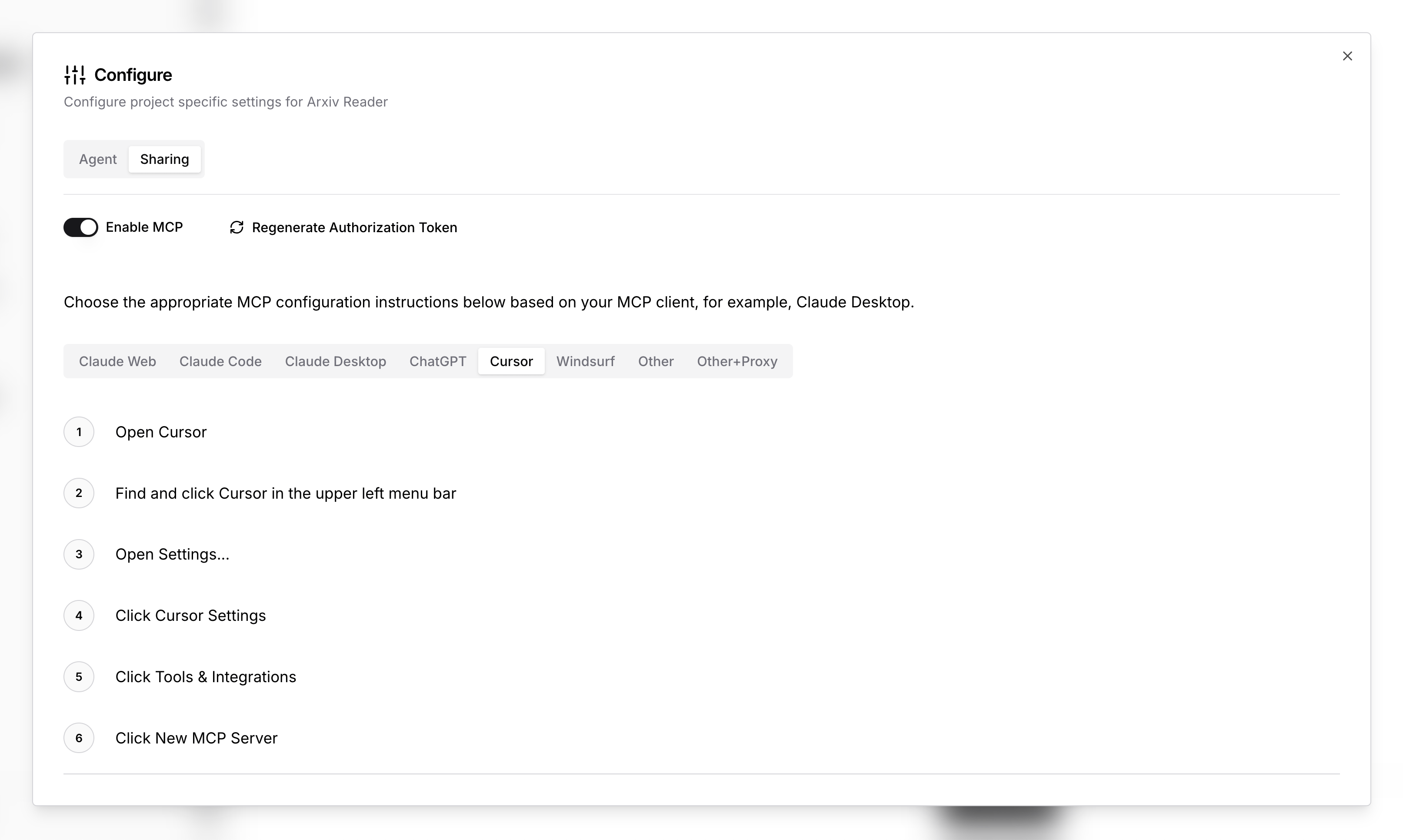
Cursor MCP
Open Cursor
Find and click Cursor in the upper left menu bar
Open Settings...
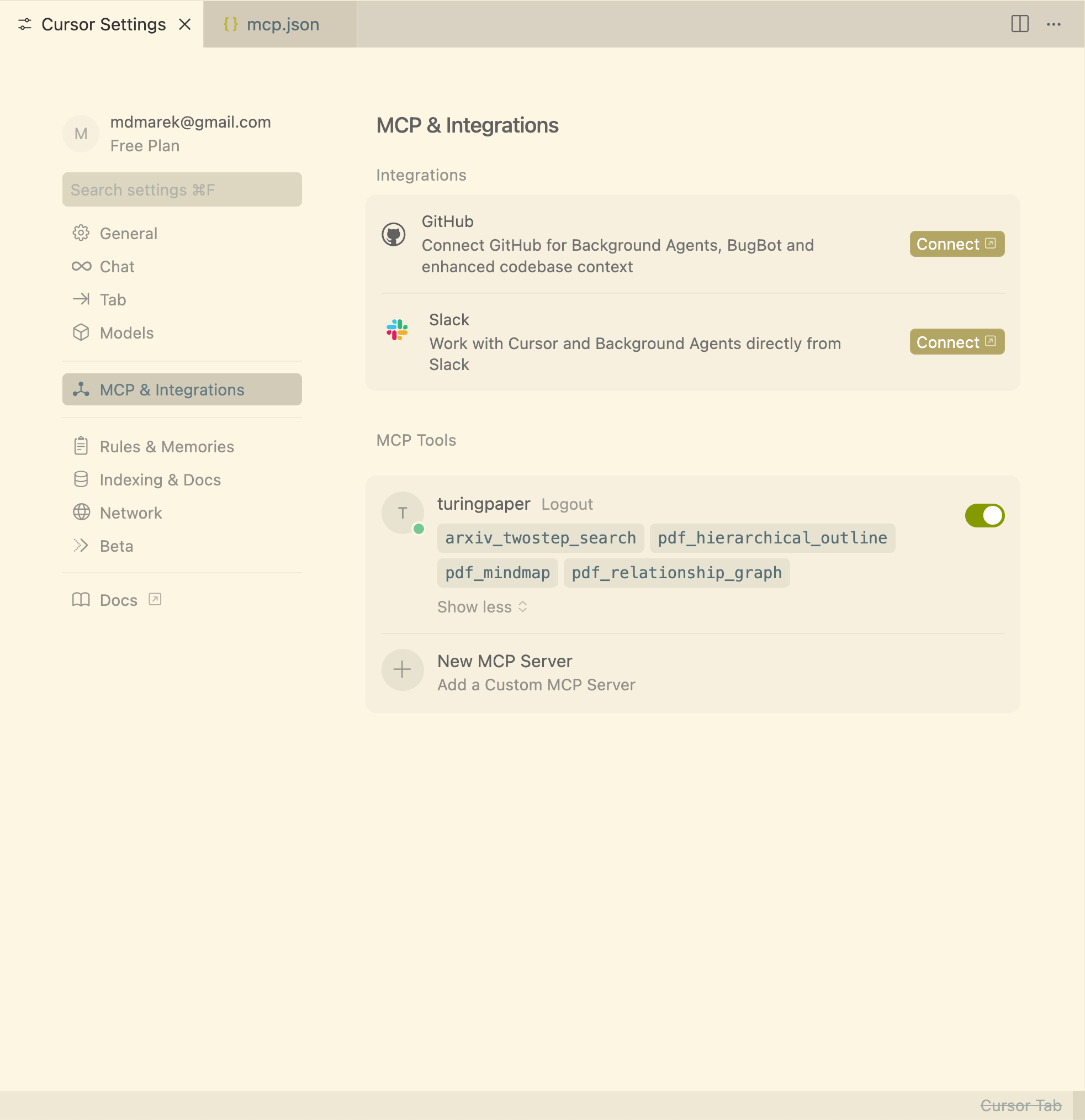
Click Cursor Settings
Click Tools & Integrations
Click New MCP Server
Add the configuration below to the mcp.json file
Example mcp.json
{
"mcpServers": {
"<name>": {
"type": "http",
"url": "http://mcp.turingpaper.ai/mcp/<id>",
"headers": {
"Authorization": "Bearer <token>"
}
}
}
}Where do I find the ID, Name and Token?
You can find these instructions and the full URL, Name and Token to use in the configuration panel of your project.