Other MCP Clients
Turingpaper projects automatically speak two variations of the Model Context Protocol: "Streamable-HTTP" and "SSE+HTTP".
More and more clients can directly use remote MCP servers speaking the newer Streamable+HTTP variant of the protocol. For all other clients it's possible to use a local proxy that uses the older SSE+HTTP variant.
Newer Client that Support Streamable-HTTP
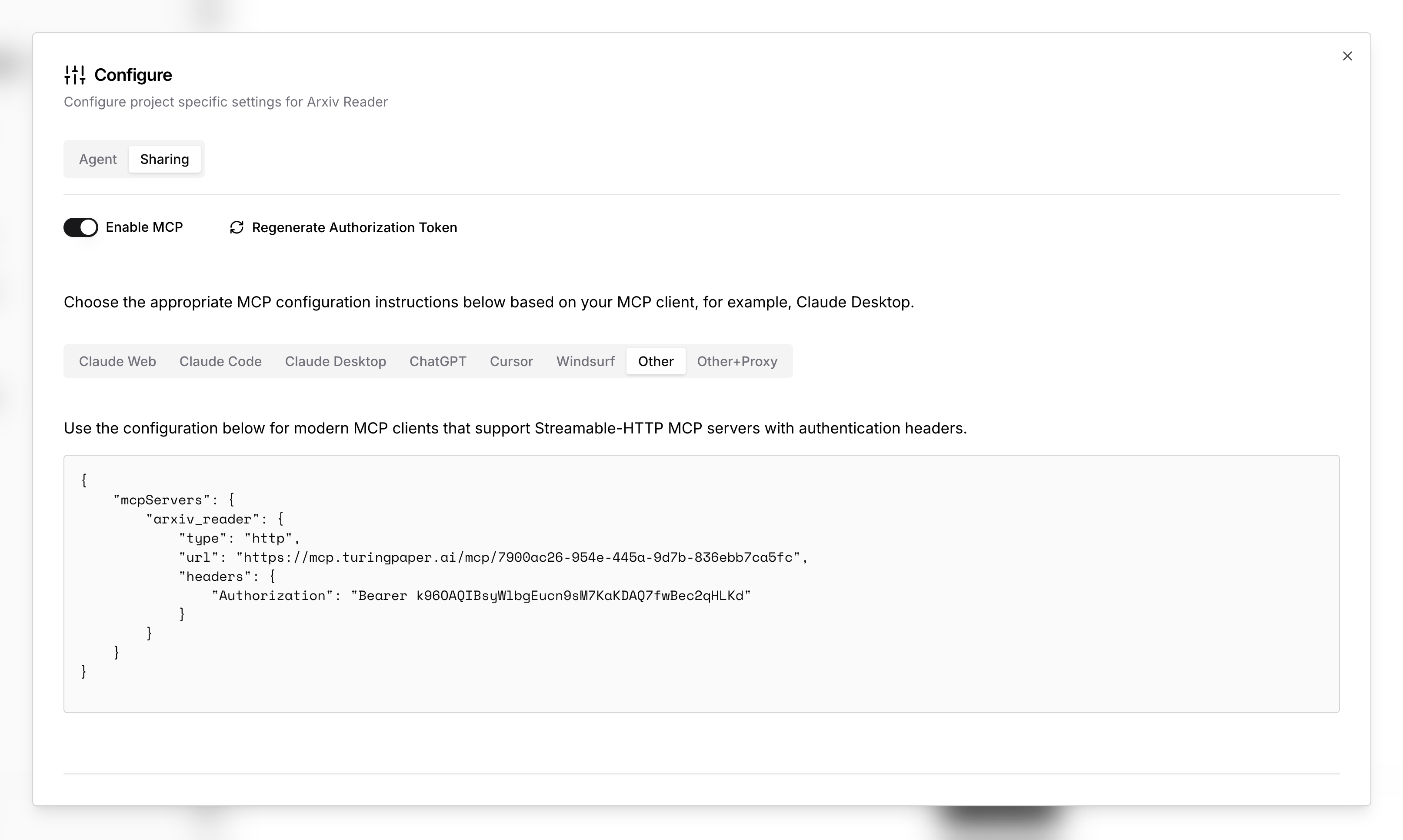
For clients that can directly use a remote MCP server speaking the newer Streamable+HTTP variant of the protocol, you should opt for a configuration like the one below:
{
"mcpServers": {
"<name>": {
"type": "http",
"url": "http://mcp.turingpaper.ai/mcp/<id>",
"headers": {
"Authorization": "Bearer <token>"
}
}
}
}Older Clients that Need a Proxy with SSE+HTTP
For clients that need a local proxy which uses the older SSE+HTTP variant, you can use a configuration like the one below:
{
"mcpServers": {
"<name>": {
"command": "npx",
"args": [
"-y",
"mcp-remote",
"https:/mcp.turingpaper.ai/sse/<id>",
"--header",
"Authorization: Bearer <token>"
]
}
}
}Note: The local proxy needs Node.js installed, which
is where the npx command comes from.
Where do I find the ID, Name and Token?
You can find these instructions and the full URL, Name and Token to use in the configuration panel of your project.