Good Prompts
A bad prompt can easily break an automation. Reliable automations require good prompts.
What makes a "good prompt"?A good prompt is highly specific and leaves very little guesswork for the agent.
A good prompt tries to get one thing done, or at most a couple, rather than many.
A good prompt is self consistent, different sections of the instructions don't contradict each other.
A good prompt avoids instructions that in reality don't help, such as:
- Don't make mistakes!
- Don't hallucinate!
- Write clearly!
- Do what I mean!
- I'll give you $500 if you get this right!
A good prompt will have the following sections, and possibly more:
Context & Background
The resources to read or examine as context and background material to correctly perform the instructions
Tools
The tools to be used while following the instructions
Task Instructions
The specific instructions of the task at hand
Output
What type of output is expected and how to produce it:
- Direct output, or...
- Output to a file, database or other tool
Output Template
An example of the expected output format (if the output is text based)
Choose the Right Agent
Prompts are evaluated by a specific agent that you set when creating or editing the prompt. Choosing the right agent can make a significant difference in how a prompt performs within an automation.
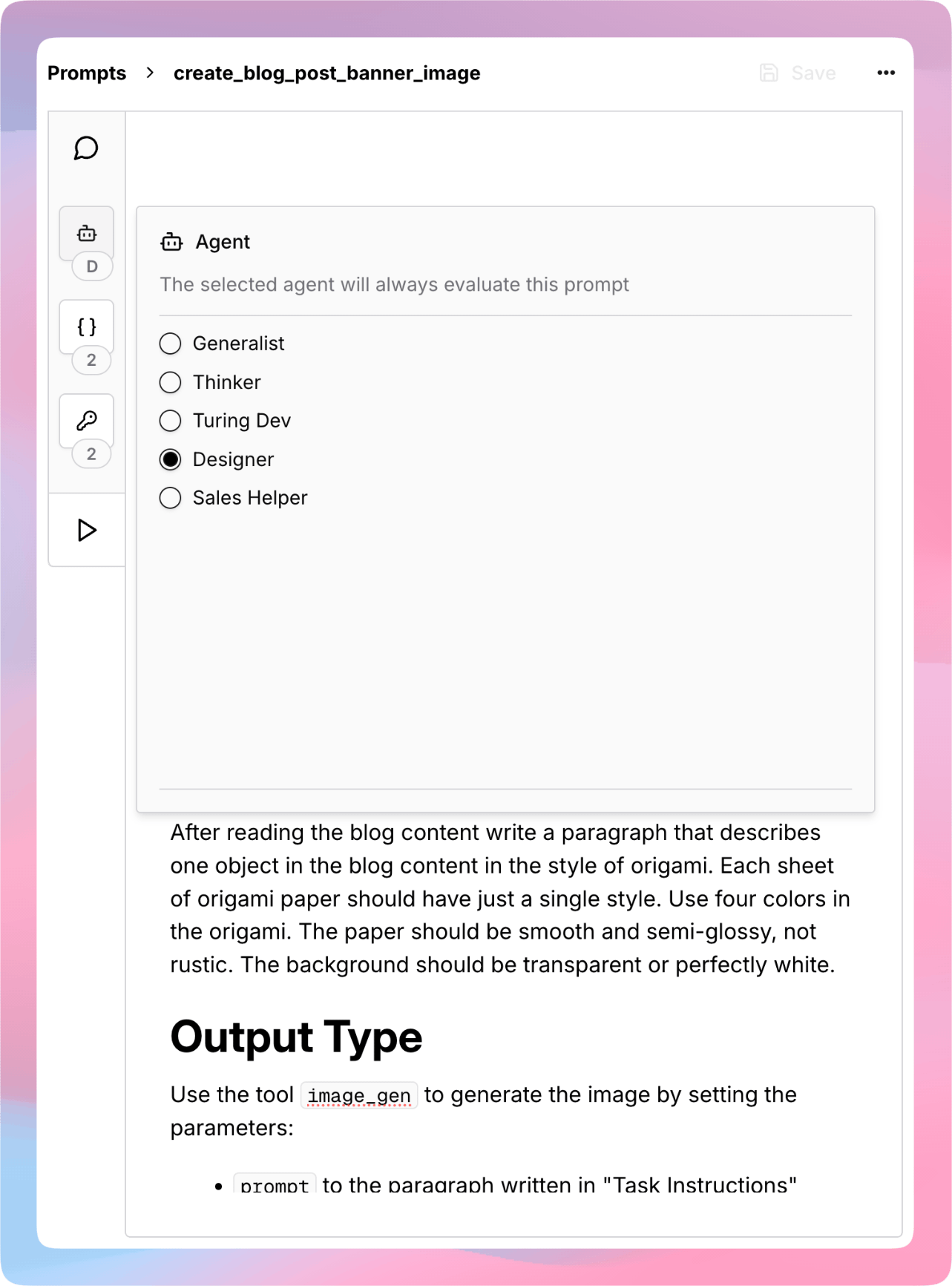
When a prompt is created it defaults to using the Generalist agent, which as the name suggests knows how to do many tasks generically. It has pre-set access to many tools and instructions that are relevant to prototyping automations in Turingpaper.
However, it's unlikely that a prompt should use the Generalist agent long term. After some trial and error when writing the initial prompt instructions, it's best practice to switch the prompt's evaluation to an agent you create specifically for your project.
Example Good Prompt Structure
Below is a prompt that reads a blog post and generates a banner image based on the content of the blog post. The prompt uses the recommended sections with clear descriptions of how to produce the output to avoid inconsistent behavior.
# Context and Background
You will create a banner image for a blog post, to start please do the
following to become familiar with the content:
- Use `fetch_content` to read blog post at: `{{blog_post_url}}`
# Tools
The only tools you should use are the following two. The expectation
is that you will terminate by using the tool `image_gen`.
- `fetch_content`
- `image_gen`
# Task Instructions
After reading the blog content write a paragraph that describes one
object in the blog content in the style of origami. Each sheet of
origami paper should have just a single color. Use four colors in
the origami. The paper should be smooth and semi-glossy, not rustic.
The background should be transparent or perfectly white.
# Output
Use the tool `image_gen` to generate the image by setting the
parameters:
- `prompt` to the paragraph written in "Task Instructions"
- `quality` to `High`
- `size` to `Landscape1536x1024`
- `output_path` to `{{output_path}}`
Once you have called `image_gen` STOP, there is nothing more to do
or output.